Additional Services
Find important details, guidelines, and support for using Dialog roaming services internationally.
Autopay
Stay connected while roaming without worrying about your balance. With Autopay, your roaming data plans and add-ons are automatically charged to your saved credit or debit card when your balance runs low.
Enjoy uninterrupted service and a hassle-free roaming experience, whether you're a prepaid or postpaid customer.
Activation Methods
- Go to the roaming menu in the MyDialog App.
- Choose the roaming Autopay option.
- Register or select a payment card.
- Review and accept the Terms & Conditions.
- Provide consent to activate Autopay.
- Receive confirmation that Autopay is active.

Credit Limit Enhancement
If a Dialog roaming customer has an insufficient balance to activate a chosen package, they can utilise the Temporary Credit Limit Enhancement facility using the following channels
- Roaming hotline on +94 777 999 777 (subject to charges)
- Via USSD (Dial #103# > 5. Budget Setter > 1. Enhance Your Credit Limit)
- Ask DIA chatbot via MDA or web
- Via MyDialog App
Budget setter
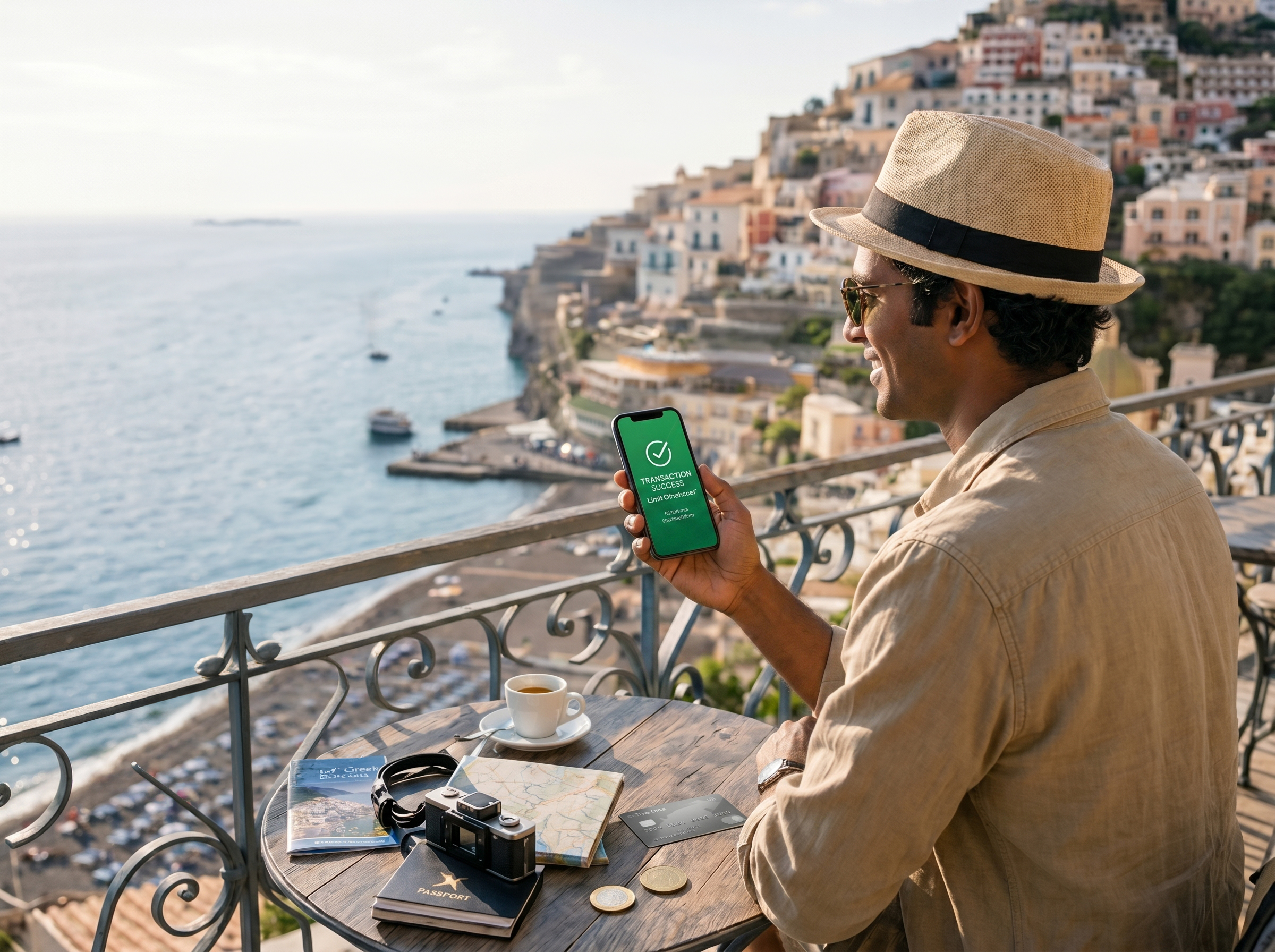
When a Dialog roaming customer travels abroad, they can increase or decrease their credit limit within the allocated quota. This feature can be accessed via the following:
- Via USSD (Dial #103# > 5. Budget Setter > 2. Adjust (increase or decrease) your credit limit within the allocated limit
- Via MyDialog App
Roaming announcement
Save on roaming costs by alerting callers that you are overseas. Callers can choose to disconnect before your phone rings, helping you avoid unimportant calls.
- Cost: Free of charge.
- Action: Activate or deactivate at any time.
To Activate/Deactivate
- Simply call +94 777 999 777 for all activation or deactivation requests.
- Via MyDialog App

In-Flight Data Roaming
How to Activate In-Flight Data Roaming
If you have already activated a Data Roaming Plan (Daily, Weekly, 14-Day, or Monthly), no additional activation is required to use In-Flight Data Roaming. Simply ensure that Data Roaming is enabled on your device and connect to the onboard network when available on supported flights.
If you do not have an active Data Roaming Plan, you can activate one through:
- MyDialog App
- Dial #103#
- Visit: https://dialog.lk/roaming
Note: In-Flight Data Roaming is available only on selected airlines and aircraft equipped with onboard roaming services. Service availability may vary depending on the airline, aircraft, route, and roaming partner coverage.