

Scan your Dialog E-Bill
& Pay in Seconds!



Scan & Pay
Pay anywhere by simply scanning the merchants QR & Paying through Dialog Pay
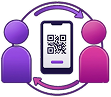
Send & Receive Money
Face-to-Face
Scan or share QR to pay or receive money easily and securely without bank charges (Maximum Rs. 5000 per transaction)
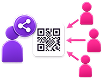
Receive Money
Remotely
Download / Screenshot your QR and share with anyone for them to send you money without Bank charges (Maximum Rs. 5000 Per transaction)

Pay Money
Remotely
Ask anyone to send their unique QR to you and upload it to pay anyone remotely without Bank charges (Maximum Rs. 5000)
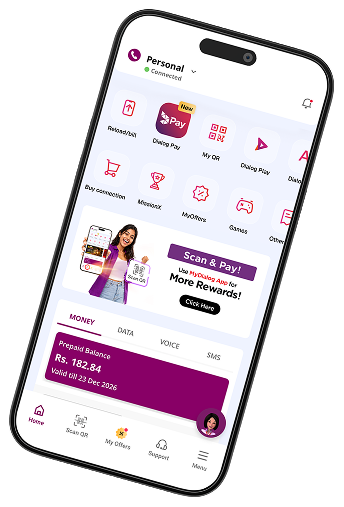
Download MyDialog App
EARN FREE DATA!
Earned data is valid for 3 days from the date of credit.
T&C apply
Download App


PAY at over
100,000+ outlets
Join Dialog Pay & PAY at over 100,000+ outlets while getting Rewards






















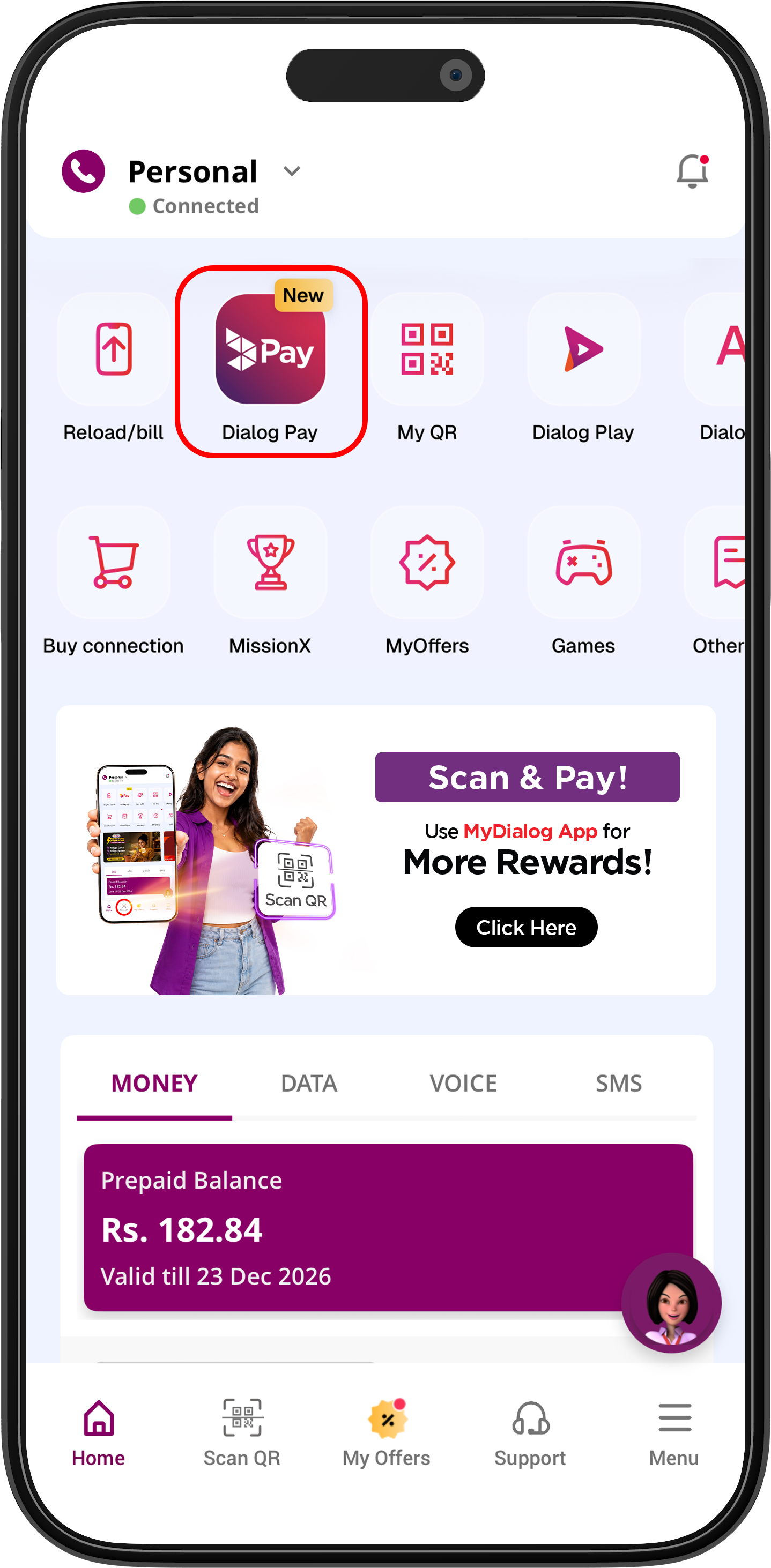
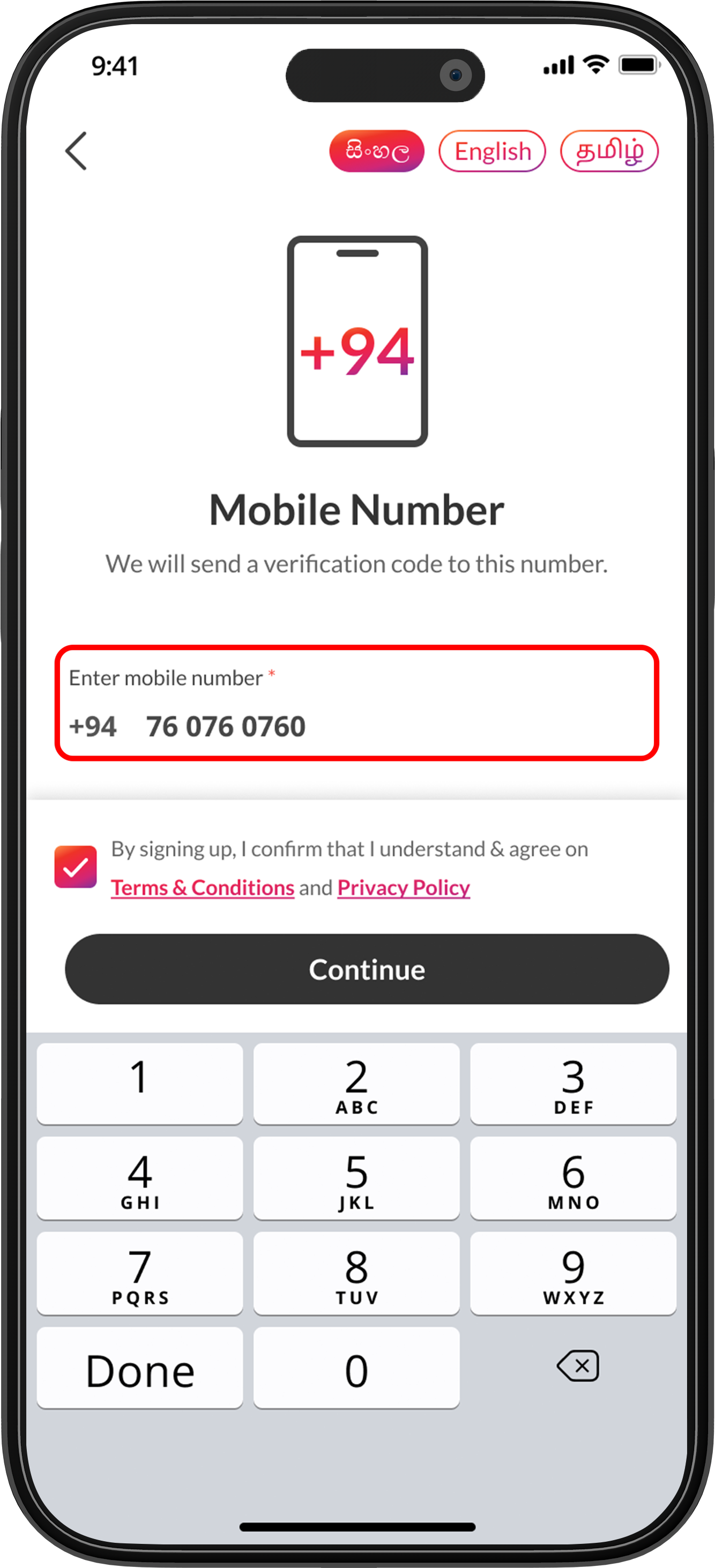
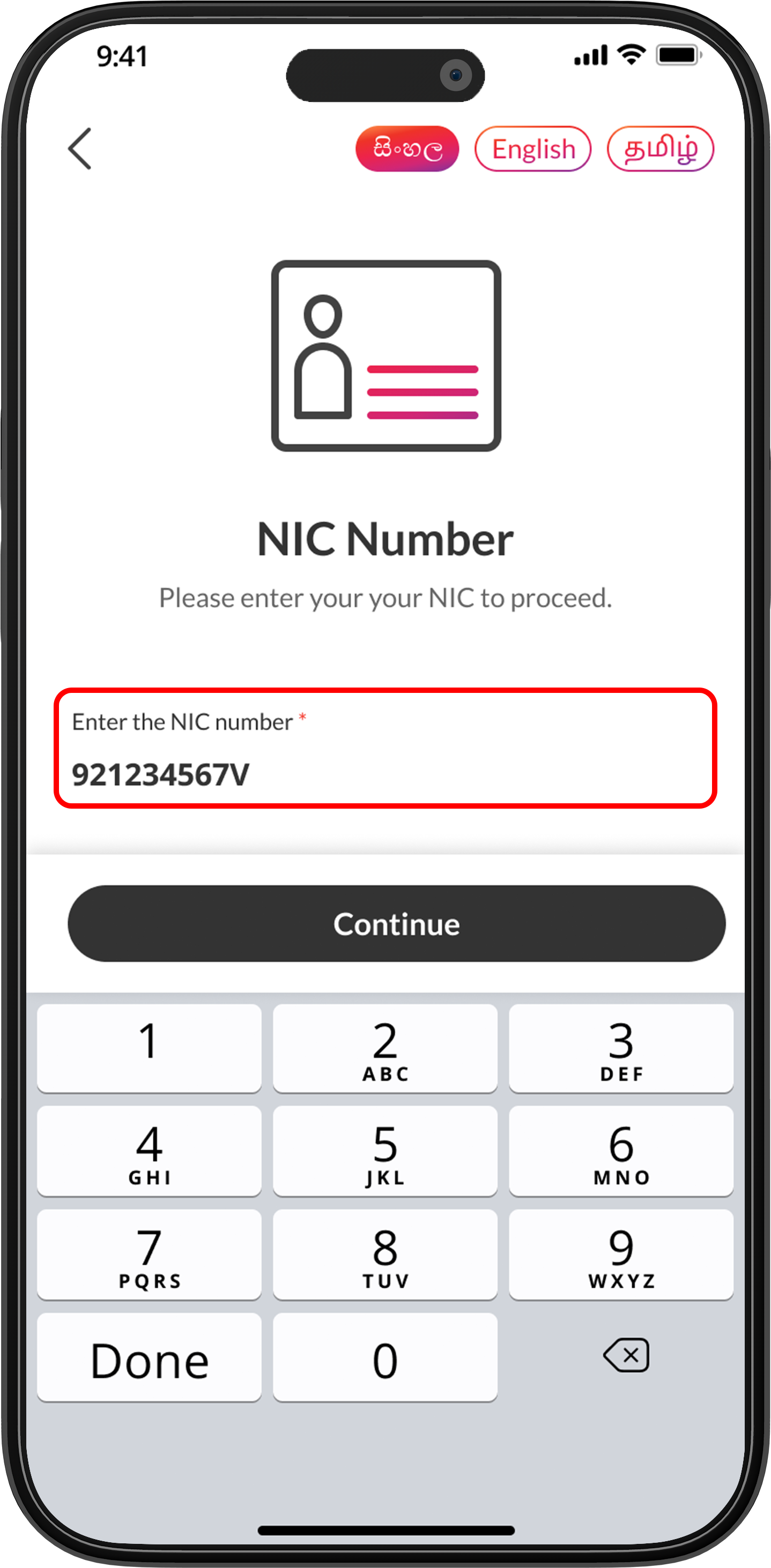
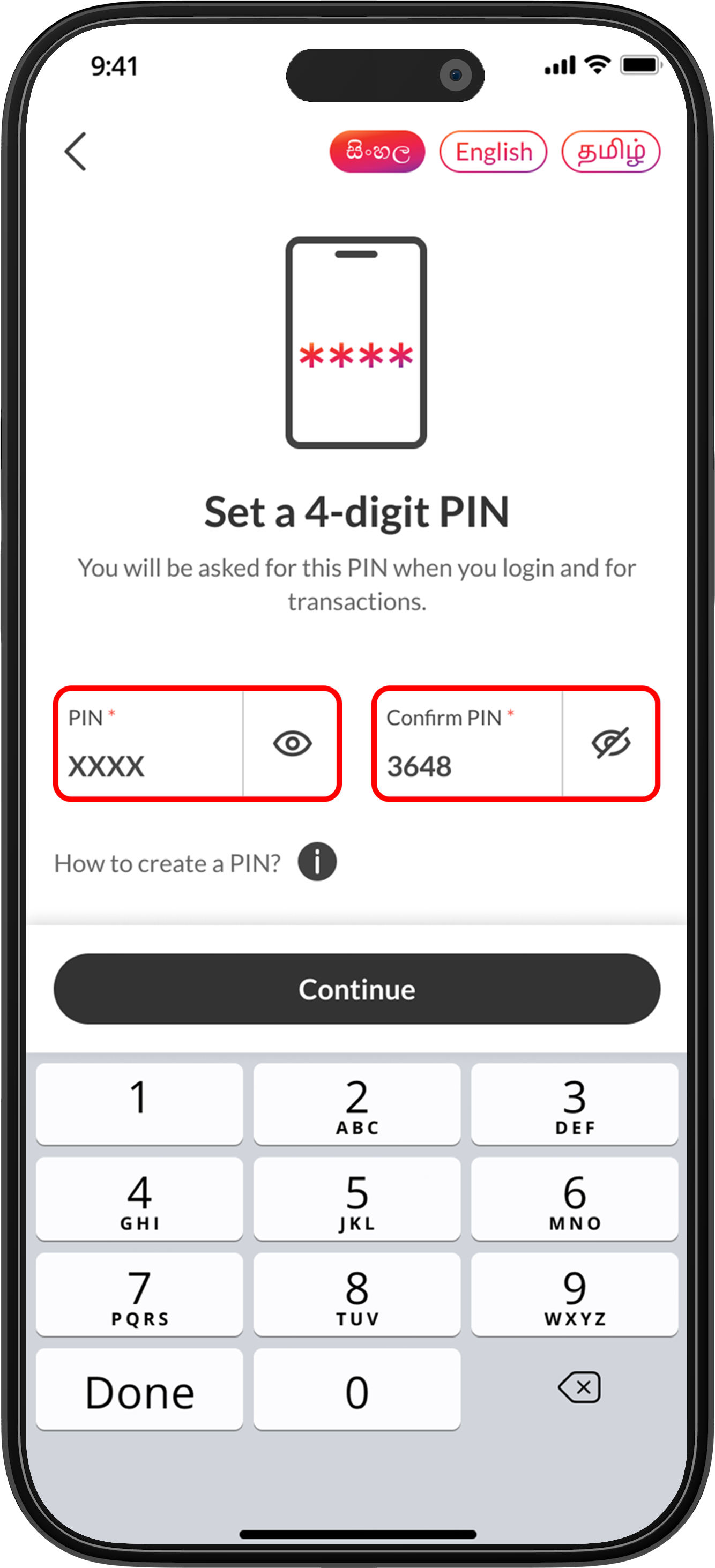
Connecting Payment methods
Dialog Pay gives users flexibility to complete payments by using, any bank, eZ Cash, or Dialog Finance.
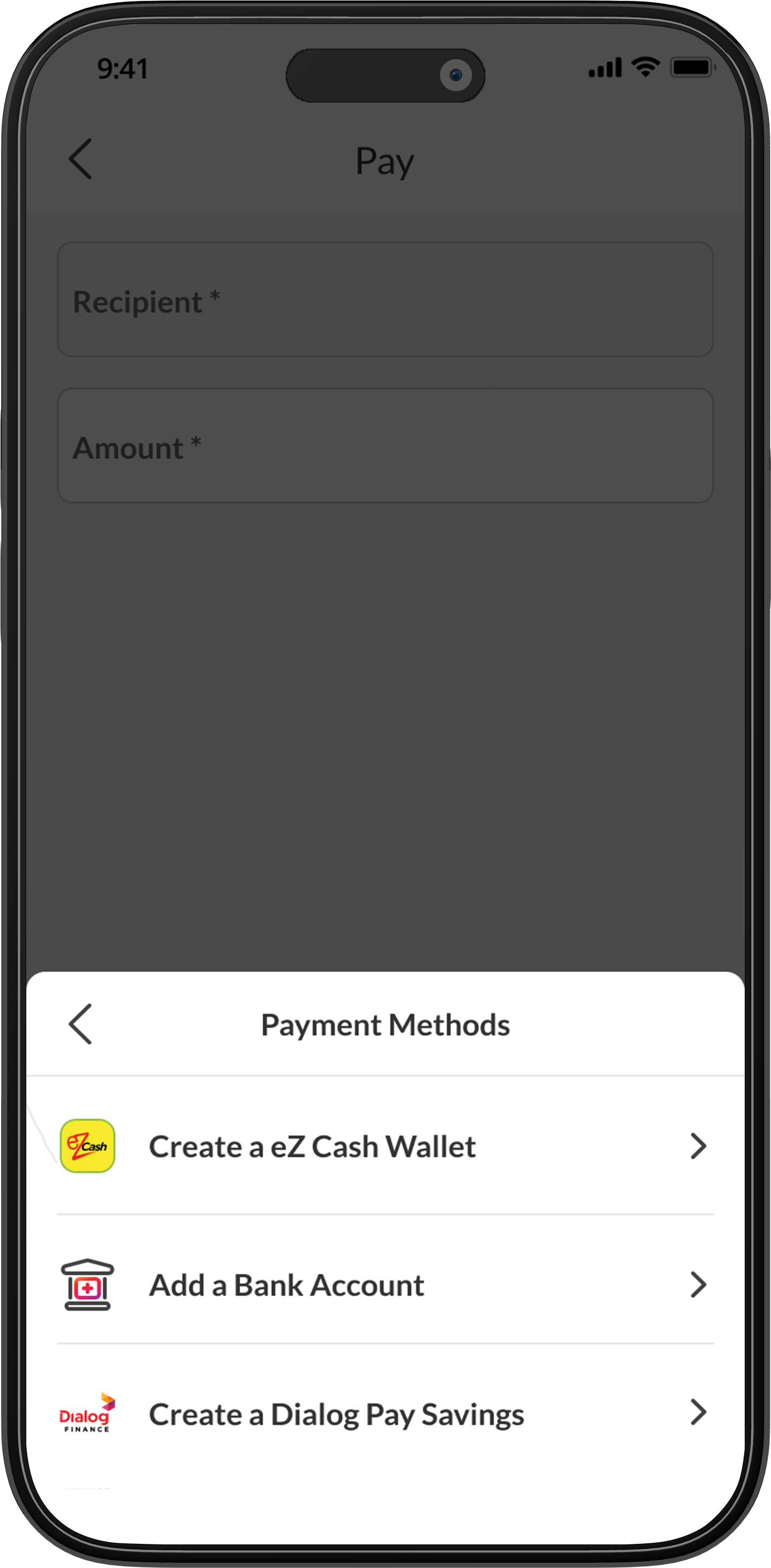

Connect your eZ Cash account to Dialog Pay and start making payments and receive money

Connect your Dialog Pay account and start making payments and receive money.

Connect any other bank account to Dialog Pay and start making payments and receive money.
How to use Dialog Pay
Watch these simple guide videos to see how easily you can use Dialog Pay for every transaction.
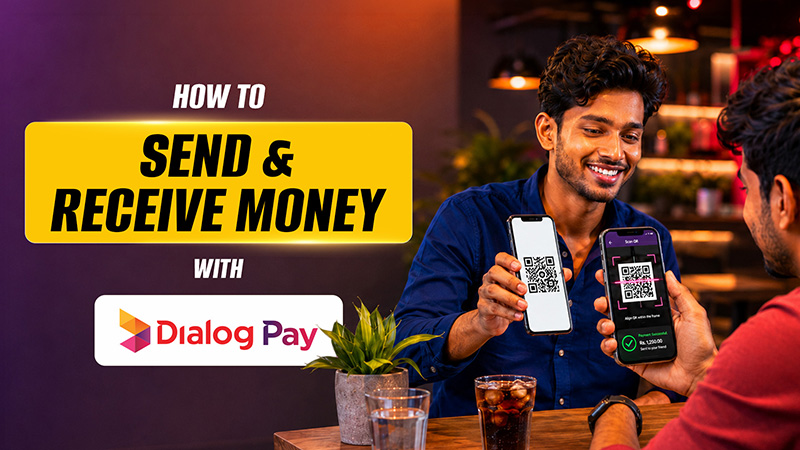
Send and receive money
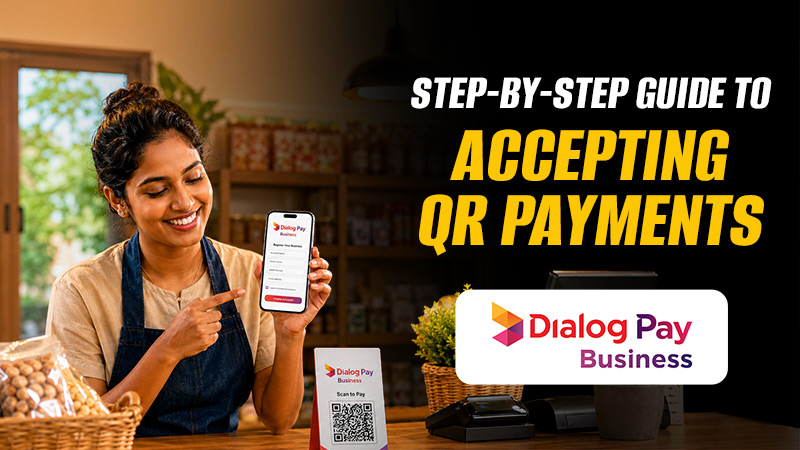
Accepting Payments

Dialog Pay Savings
Save smarter and manage your money anytime, anywhere with the SMART Account from Dialog Finance.

Send / Receive money
Enjoy a faster, simpler, and more convenient way to transfer money with Dialog Pay.

Fixed Deposits
Make your money work harder with Fixed Deposits designed to offer attractive returns, security, and convenience.

Debit Cards
Enjoy seamless access to your money with a Debit Card designed for everyday convenience.

Loans
Whether you're looking to purchase a new smartphone or need quick access to funds, our digital loan solutions are designed to make financing simple, fast, and convenient.

Gov Pay
Pay for government services conveniently and securely through GovPay.

PIN Protection, encrypted transactions, and banking-grade security to keep your information and payments safe backed by the financial strength of Dialog Finance PLC’s AA(lka) Fitch Rating
Frequently asked questions
You can choose from multiple payment sources, including:
- eZ Cash Wallet
- Linked Bank Account (JustPay)
- Dialog Finance Savings Account